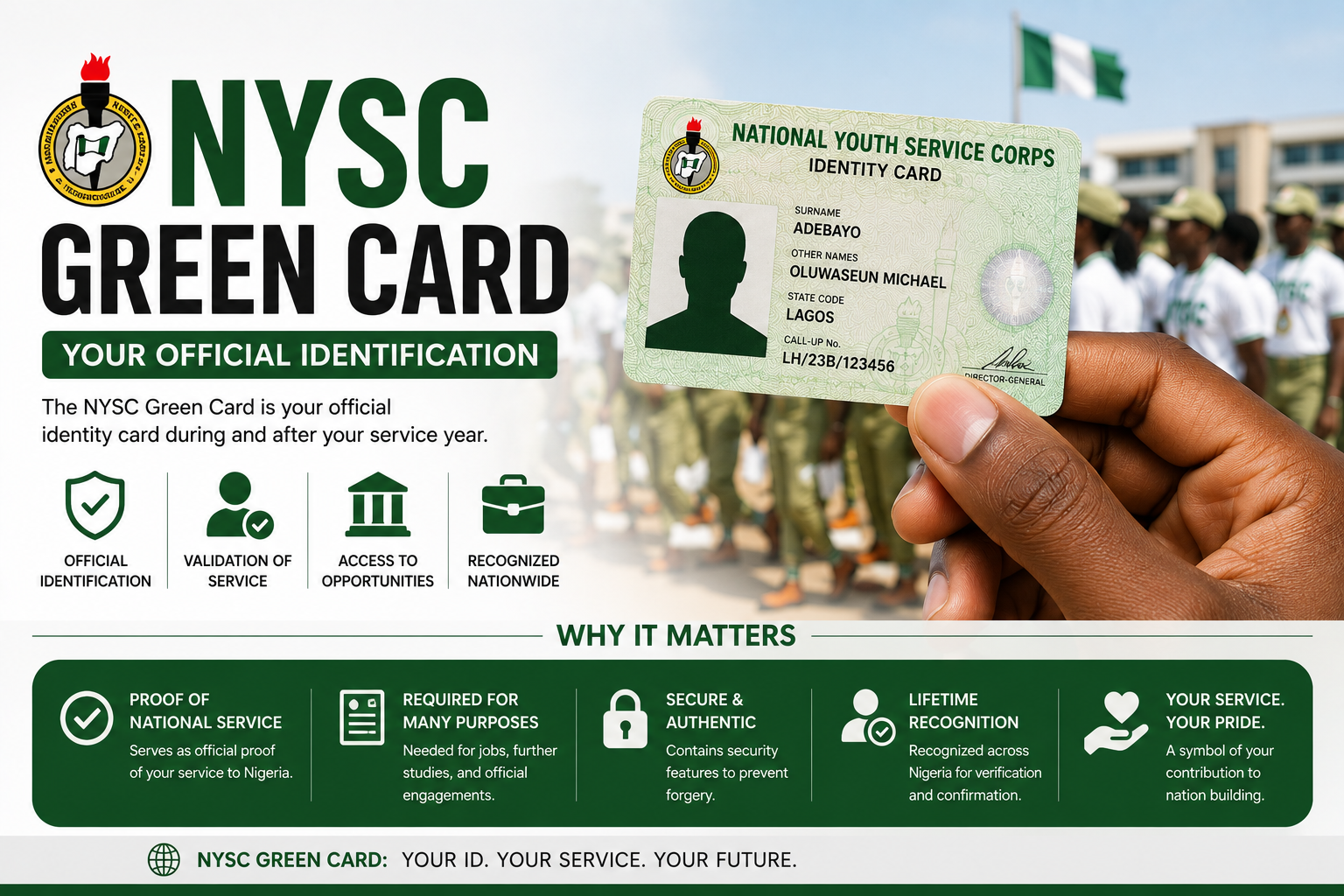
If you have recently completed your NYSC online registration, there is a good chance you have come across the term NYSC Green Card and wondered exactly what it is, where to find it, and why everyone keeps insisting you must have it before camp. This is one of those NYSC documents that confuses a lot of prospective corps members — partly because of its unusual name and partly because there is genuine misinformation floating around about it.
This guide clears all of that up. We will cover exactly what the NYSC Green Card is, what it contains, how to print it correctly, what to do if you lose it, and everything else you need to know before you step into the orientation camp.
What Is the NYSC Green Card?
The NYSC Green Card is the acknowledgement slip issued to prospective corps members (PCMs) after they successfully complete their online registration on the NYSC portal. It confirms that your registration was successful, that your details have been captured in the NYSC system, and that you are eligible for mobilisation into the next available batch.
Here is the first thing that surprises most people — despite its name, the NYSC Green Card is not actually green in colour. It is printed on plain white A4 paper, just like any standard document. The term “Green Card” is simply NYSC’s internal name for this registration slip, likely borrowed from the broader idea of a “green light” or clearance document — it signifies that you have successfully cleared the registration stage, not that the physical document itself is coloured green.
This is genuinely useful to know in advance, because many first-time prospective corps members search frantically for a green-coloured document, assume their printer is faulty, or worry that something went wrong with their registration when the printed slip comes out in plain black and white text on white paper. That confusion is completely avoidable once you understand what the card actually looks like.
What Information Does the NYSC Green Card Contain?
When you open and print your Green Card, you will see the personal and academic information you submitted during your online registration. The document typically includes:
- Full name — as entered during registration
- Date of birth
- Place of birth and state of origin
- Passport photograph — the one uploaded during registration
- Call-up number — your unique NYSC identification number
- Course of study and institution attended
- Graduation date
- Kit sizes — uniform and footwear sizes for camp issuance
- Next of kin details
- Contact information — phone number and email address
The format of the Green Card is the same for every prospective corps member, but the specific details on it are unique to you. Before printing, it is important to review every field carefully — any error you spot at this stage is much easier to correct than one discovered later during camp documentation.
Why Is the NYSC Green Card Important?
The Green Card is not just a formality — it plays a functional role at multiple stages of your NYSC journey. Here is why it matters:
Proof of Successful Registration
The Green Card is your confirmation that your online registration on the NYSC portal was completed successfully and that your payment was processed. Without it, there is no documented proof that you completed this stage of the mobilisation process.
Mandatory for Orientation Camp Entry
You cannot complete camp registration without your Green Card. It is required for verification at the camp gate and during the documentation process when you arrive. Camp officials specifically request it, and showing up without it creates an avoidable problem on a day when you already have enough to manage.
Required for Other NYSC Processes
Beyond camp entry, the Green Card is also needed if you intend to apply for relocation (where eligible), apply for deferment, or apply for a waiver. These are all processes that occur within the broader NYSC mobilisation system, and the Green Card serves as a reference document throughout.
Disqualification Risk Without It
Participating in the NYSC programme is, for most Nigerian graduates, a requirement for future employment — particularly in the public sector and many private organisations. Since the Green Card is your entry point into the programme, failing to have it in order can directly affect your ability to participate in NYSC at all, which has knock-on effects for your employment prospects later.
How to Print Your NYSC Green Card — Step by Step
Printing your Green Card is straightforward once your online registration is complete. Here is exactly how to do it:
- Complete your NYSC online registration first — Before you can access the Green Card, you must finish registering on the NYSC portal at portal.nysc.org.ng. This includes filling in your bio-data, academic details, uploading your passport photograph, and any other required information based on your specific category.
- Make your registration payment — After submitting your registration form, you will be required to pay the NYSC registration fee through the approved payment channel, typically Remita. Note that graduates who are exempted from service do not get this payment option, as it does not apply to their category.
- Wait for your call-up number — Your call-up number is usually released a few days after registration and payment. In some cases, it may take longer than expected, so be patient and check your dashboard periodically rather than assuming something has gone wrong.
- Log in to your NYSC dashboard — Once your call-up number has been generated and reflects on your profile, log back into the NYSC portal using your registered email address and password.
- Locate the “Print Green Card” option — Once your call-up number is available, the “Print Green Card” option becomes active on your dashboard. Click on it.
- Review every detail carefully — Before printing, go through every field on the document — your name, date of birth, course of study, and other details — to confirm everything is accurate. This is your opportunity to catch errors before they cause problems later.
- Download and save the document — Save a digital copy of your Green Card to your device or a cloud storage service before printing, so you always have a backup copy available.
- Print in colour, not black and white — Even though the document itself is not green, it is recommended to print it in colour rather than black and white, as some elements such as your photograph and any coloured text or borders display more clearly this way.
- Print multiple copies — Print at least two or three copies for safety. Having backup copies reduces stress if one copy gets damaged or misplaced before camp.
NYSC Green Card vs Call-Up Letter — What Is the Difference?
This is one of the most common points of confusion for prospective corps members, so it is worth addressing clearly.
The Green Card is generated immediately after you complete your online registration and payment. It confirms your registration and contains your bio-data, call-up number, and other personal details. You print it as soon as it becomes available on your dashboard — well before posting and deployment information is released.
The call-up letter, on the other hand, is generated later — once posting begins. It shows your specific state of deployment and the exact date you are expected to report to camp. You print the call-up letter only after this information becomes available, which is typically closer to the actual mobilisation date.
In short — the Green Card confirms you are registered; the call-up letter tells you where and when to report. Many prospective corps members confuse the two documents, but understanding this distinction prevents unnecessary anxiety about which document to print and when.
Important Tips for Handling Your NYSC Green Card
- Do not laminate it — Laminating official NYSC documents, including the Green Card, is generally discouraged. Camp officials may need to stamp, write on, or otherwise mark the document, which laminating prevents.
- Do not fold it — Keep your Green Card flat and undamaged. Use a waterproof folder or document sleeve to protect it during travel to camp.
- Keep the original safe — While you should travel with the physical copy, keep a backup digital copy and, if possible, an extra printed copy stored separately in case the original gets lost or damaged.
- Verify all details before camp — Do not wait until you arrive at camp to notice an error. Review your Green Card thoroughly as soon as you print it.
- Bring it along to camp, without fail — Camp officials will request it during documentation. Arriving without it means you will need to find a cybercafe inside or outside camp to print another copy — costing you valuable time and money on an already demanding day.
What to Do If You Notice an Error on Your Green Card
If you spot an error on your Green Card — a misspelled name, wrong date of birth, incorrect course of study, or any other inaccurate detail — address it as early as possible, before you proceed to camp.
Most errors that originate from information you entered during registration can sometimes be corrected through your NYSC profile if the editing window is still open, particularly for minor details. However, once you have submitted your registration form, most fields generally cannot be edited again. In cases where the error cannot be self-corrected, you will need to contact NYSC support directly — either through the official NYSC portal’s support channels or by visiting your nearest NYSC office — and explain the discrepancy with your documentation as evidence.
Do not ignore an error and hope it sorts itself out. Inaccurate details on official NYSC records can create complications later, particularly when it comes to your discharge certificate at the end of your service year, since NYSC documents are typically generated using the information first submitted during registration.
What to Do If You Lose Your NYSC Green Card
If you misplace your printed Green Card before reporting to camp, do not panic — it is a reprintable document, not a one-time physical certificate.
- Log back into your NYSC dashboard at portal.nysc.org.ng using your registered email and password.
- Navigate to the Green Card section and select the option to reprint or download it again.
- Print a fresh copy following the same steps outlined earlier — in colour, on plain A4 paper, with all details reviewed.
If for any reason your Green Card is unavailable for reprinting through your dashboard — for instance, due to a technical fault or account access issue — contact NYSC support directly. Have your call-up number and payment receipt number ready, as these will be required to verify your identity and registration record.
If you discover you have lost your copy on your way to camp or after you have already arrived, your safest option is to locate the nearest cybercafe, either within or just outside the camp premises, log into your dashboard, and print another copy there. This is a common enough situation that most orientation camps are used to corps members needing last-minute printing assistance.
Common Mistakes Prospective Corps Members Make With the Green Card
Beyond the basic process of printing and keeping your Green Card safe, there are a few recurring mistakes that prospective corps members make every mobilisation cycle. Knowing about them in advance can save you from the same headaches.
Rushing the Registration Without Double-Checking Entries
A lot of errors that show up on the Green Card trace back to one simple cause — rushing through the online registration form. Names get misspelled, dates get entered in the wrong format, and course titles get abbreviated incorrectly. Once submitted, most of these fields lock and become difficult to edit. Take your time at the registration stage rather than trying to fix things afterward.
Printing in Black and White on a Low-Quality Printer
While the document itself is not green, printing it on a low-quality printer with faded ink can make your passport photograph and other details difficult to read clearly. Camp officials handling hundreds of documents in a short period appreciate a clean, legible printout. Use a proper printer, preferably in colour, and avoid printing on damaged or low-quality paper.
Waiting Until the Last Minute to Print
Some prospective corps members wait until a day or two before travelling to camp to print their Green Card, only to discover a technical glitch on the portal, a payment confirmation delay, or an unexpected error in their details. Print your Green Card as soon as it becomes available on your dashboard — not when camp is just around the corner. This gives you enough time to fix any issues that come up.
Not Keeping a Digital Backup
Relying solely on a physical printout without saving a digital copy is risky. Phones get lost, documents get drenched in the rain during travel, and bags occasionally go missing in transit. Save a PDF or image copy of your Green Card to your email, cloud storage, or phone gallery so that even in the worst-case scenario, you can access and reprint it quickly.
Assuming the Green Card Replaces Other Required Documents
The Green Card is important, but it does not replace other documents you are required to bring to camp — such as your original credentials, medical report where applicable, and other items listed in your mobilisation guidelines. Treat it as one part of a larger checklist, not the only document that matters.
How the Green Card Fits Into the Broader NYSC Mobilisation Process
It helps to see the Green Card within the full sequence of steps that make up NYSC mobilisation, so you understand exactly where it sits and what comes next.
The process generally follows this order — online registration, payment of the registration fee, generation of your call-up number, printing of your Green Card, release of posting information, printing of your call-up letter, and finally, reporting to your assigned orientation camp. Each step depends on the one before it. You cannot print a Green Card without completing registration and payment, and you cannot print a call-up letter until posting has been finalised.
Understanding this sequence helps you know what to expect and when. If your Green Card is not yet available, it usually means your call-up number has not been generated, which is often simply a matter of waiting rather than a sign that something has gone wrong. Similarly, if you have your Green Card but not yet your call-up letter, that is completely normal — it simply means posting has not been completed for your batch yet.
Frequently Asked Questions About the NYSC Green Card
Is the NYSC Green Card actually green in colour?
No. Despite its name, the NYSC Green Card is printed on plain white A4 paper. The term “Green Card” is simply the internal name NYSC uses for this registration acknowledgement slip — it does not refer to the physical colour of the document.
When can I print my NYSC Green Card?
You can print your Green Card once you have completed your online registration, made your registration payment, and your call-up number has been generated and reflects on your dashboard. This typically happens a few days after registration, though the timeline can vary.
Is the Green Card compulsory for camp?
Yes, it is compulsory. Camp officials request your Green Card during the documentation process when you arrive. Without it, you will not be able to complete camp registration, and you will need to find a way to print another copy on the spot.
What is the difference between the Green Card and the call-up letter?
The Green Card confirms your successful online registration and is available shortly after you register and pay. The call-up letter is released later, once posting begins, and shows your specific state of deployment and the date you are expected to report to camp. They serve different purposes at different stages of the process.
Can I print my NYSC Green Card more than once?
Yes. There is no restriction on how many times you can print or reprint your Green Card. If you lose your copy or it gets damaged, simply log back into your NYSC dashboard and print another copy.
Should I laminate my NYSC Green Card?
No, lamination is generally discouraged for official NYSC documents including the Green Card. Camp officials may need to stamp or write on the document, which a laminated surface would prevent. Instead, protect it using a waterproof folder or document sleeve.
What happens if I find an error on my Green Card after printing?
Address it as soon as possible. Check whether your NYSC profile still allows editing of the affected field. If not, contact NYSC support directly with evidence of the correct information. Resolving errors before you proceed to camp helps avoid complications with your records later in your service year.
Do exempted graduates need to print a Green Card?
Graduates who are exempted from NYSC service generally do not go through the same registration and payment process as participating corps members and are not issued a Green Card in the same way. Exempted graduates instead receive a Certificate of Exemption through a separate process.
Final Thoughts
The NYSC Green Card might have a confusing name, but once you understand what it actually is — a registration acknowledgement slip rather than a literally green-coloured document — the rest of the process becomes much simpler. Complete your registration, make your payment, wait for your call-up number, print your Green Card carefully, and keep it safe until camp.
Double-check every detail before you print, keep backup copies, and know exactly how to reprint it if anything goes wrong. These small steps will save you from unnecessary stress on what is already a significant and sometimes overwhelming day — your arrival at NYSC orientation camp.
If this guide helped you, share it with a fellow prospective corps member who might be confused about their Green Card. And if you have any questions about your NYSC registration process, drop them in the comments section below.