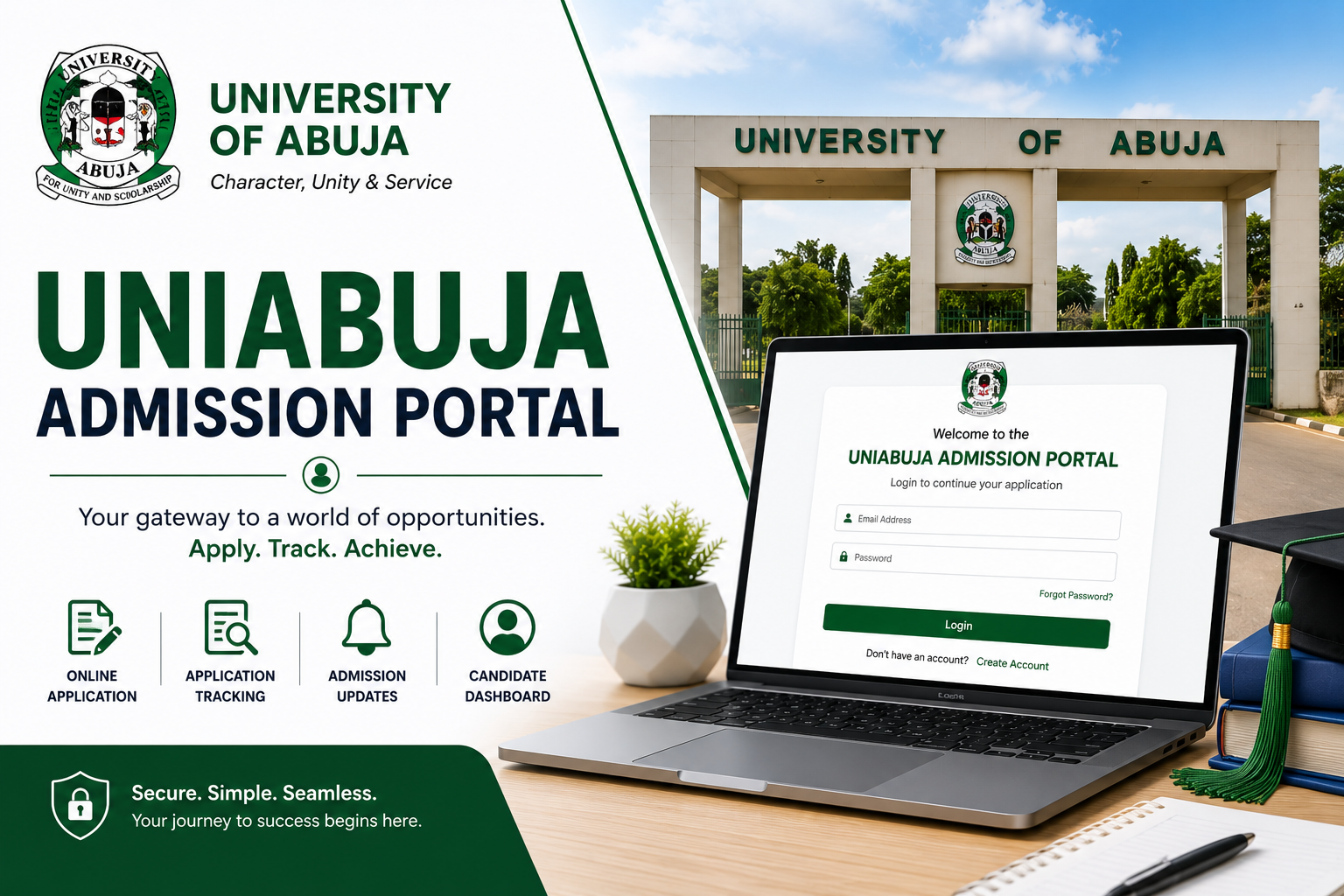
If you are trying to access the UNIABUJA admission portal, check your admission status, or figure out what to do after seeing your name on the admission list, this guide covers everything you need to know from start to finish. No confusion, no back and forth — just a clear, step-by-step breakdown of the entire process.
About the University of Abuja
The University of Abuja, commonly referred to as UNIABUJA, is a federal university located in Gwagwalada, Abuja, in the Federal Capital Territory of Nigeria. It was established in 1988 and has grown into one of the prominent federal universities in the country, offering a wide range of undergraduate and postgraduate programs across multiple faculties.
As a federal university, UNIABUJA admissions are processed through JAMB, and candidates must participate in the UTME and post-UTME screening exercise before their admission is confirmed. The university’s online portal is the platform where most of these processes — from checking admission status to completing registration — are carried out.
What Is the UNIABUJA Admission Portal?
The UNIABUJA admission portal is the official online platform through which the University of Abuja manages its admissions and student registration processes. It is the digital gateway between the university and its prospective and current students.
Through the portal, candidates can do the following:
- Check their admission status — See whether they have been offered admission into their chosen course and department.
- Accept or print their admission letter — After confirming admission, candidates can download and print their official admission letter from the portal.
- Pay acceptance fees — The portal is where you initiate and confirm your acceptance fee payment, which is a mandatory step before proceeding with registration.
- Complete online registration — New students fill in their personal and academic details on the portal as part of the matriculation process.
- Access course registration — Returning students use the portal to register their courses for each semester.
- Check results and academic records — Students can view their examination results and academic transcripts through the portal.
The official UNIABUJA portal address is www.uniabuja.edu.ng. All admission-related activities are carried out through this website or its linked student portal. Always verify that you are on the correct URL before entering any personal information or making any payments.
UNIABUJA Post-UTME Screening — What You Should Know
Before your admission is confirmed on the portal, you must first participate in the UNIABUJA post-UTME screening exercise. This is a compulsory step for all UTME candidates who chose the University of Abuja as their first or second choice institution.
Here is a brief overview of how the post-UTME process works at UNIABUJA:
Eligibility for Post-UTME
To be eligible to participate in the UNIABUJA post-UTME screening, you must:
- Have sat for the current year’s UTME and scored at or above the UNIABUJA minimum cutoff mark
- Have chosen the University of Abuja as your first or second choice institution during JAMB registration
- Have the required O’Level credits in relevant subjects for your chosen course — typically five credits including English Language and Mathematics for most programs
Post-UTME Registration
When UNIABUJA announces its post-UTME screening exercise, eligible candidates are required to register online through the university portal. Registration involves:
- Visiting the UNIABUJA portal at www.uniabuja.edu.ng
- Locating the post-UTME registration link on the homepage
- Filling in your JAMB registration number and other required details
- Paying the post-UTME screening fee through the designated payment option on the portal
- Printing your post-UTME screening slip after successful registration
Keep your screening slip safe — you will need it on the day of the exercise. The screening date, time, and venue will be communicated through the portal and official UNIABUJA social media channels.
How to Check Your Admission Status on the UNIABUJA Portal
After the post-UTME exercise and the processing of results, UNIABUJA releases its admission lists in batches. Here is how to check whether your name is on the list:
- Open your browser and navigate to the official UNIABUJA website at www.uniabuja.edu.ng. Use Chrome or Firefox for the best experience.
- Look for the admission status checker on the homepage. During the admissions season, the university usually places a prominent link or button for checking admission status on the front page. Click on it.
- Enter your JAMB registration number in the field provided. This is the same eleven-digit number from your JAMB slip. Enter it carefully — a single wrong digit will return no result.
- Submit and view your status. The system will check the database and display your admission status. If your name is on the list, it will show your full name, course of admission, department, and faculty.
- Cross-check your details. Make sure the name, course, and department displayed match your expectations. If anything looks incorrect — wrong course, wrong department, or a name spelling issue — note it down and report it to the admissions office immediately.
- Check JAMB CAPS as well. After confirming your status on the UNIABUJA portal, also log into JAMB CAPS at www.jamb.gov.ng to confirm that the admission has been reflected there too. You need to accept your admission on CAPS before you can proceed with anything else.
What to Do After Your Admission Is Confirmed
Seeing your name on the UNIABUJA admission list is exciting, but it is just the beginning. There are specific steps you need to take after confirmation to secure your place and complete the process properly.
Step 1 — Accept Your Admission on JAMB CAPS
This is the very first thing you should do. Log into your JAMB profile at www.jamb.gov.ng, navigate to CAPS, and formally accept your admission offer. Until you do this, your admission is not fully processed from JAMB’s end. Some candidates lose their admission simply because they ignored this step.
Step 2 — Pay the Acceptance Fee
After accepting on CAPS, return to the UNIABUJA portal to pay your acceptance fee. This is a mandatory payment that formally signals to the university that you are accepting the offer and intend to proceed with registration.
To pay the acceptance fee:
- Log into the UNIABUJA portal with your JAMB registration number or the credentials provided
- Locate the acceptance fee payment section
- Select your preferred payment method — most Nigerian university portals support Remita, Interswitch, or direct bank transfer
- Complete the payment and save or print your payment receipt
Never make any payment outside the official portal. Any agent or individual asking you to pay acceptance fees into a personal account is running a scam.
Step 3 — Print Your Admission Letter
Once your acceptance fee payment is confirmed, you should be able to download and print your official UNIABUJA admission letter from the portal. This letter is an important document — keep multiple copies of it. You will need it during departmental registration, for opening a bank account as a student, and for various administrative purposes throughout your studies.
Step 4 — Complete Your Online Registration
The next step is to complete your online registration on the portal. This involves filling in your biodata, uploading your documents, and providing other required information. Documents you will typically need to upload include:
- Passport photograph (usually white background, recent)
- O’Level result (WAEC or NECO)
- JAMB result slip
- Birth certificate or age declaration
- Local government identification or state of origin certificate
- Any other documents specified by your faculty or department
Make sure all your documents are scanned clearly and meet the file size and format specifications stated on the portal. Blurry or oversized files will be rejected.
Step 5 — Proceed to Physical Clearance and Departmental Registration
After completing the online registration, you will be required to visit the university campus for physical clearance. During clearance, university officials verify your original documents against what you uploaded online. Come with the originals and multiple photocopies of everything.
After clearance, you will proceed to your faculty and department for departmental registration, where you will be officially enrolled as a student of that department. Your student ID will eventually be issued after this stage.
How to Login to the UNIABUJA Student Portal
Once you are fully registered as a student, you will have access to the UNIABUJA student portal where you can register courses, check results, and manage your academic profile. Here is how to log in:
- Go to the UNIABUJA website at www.uniabuja.edu.ng and look for the student portal login link.
- Enter your student matriculation number — this is assigned to you after full registration and appears on your student ID and admission letter.
- Enter your password — the default password is usually your date of birth or a combination provided during registration. You should change it to something personal the first time you log in.
- Click login and you will be taken to your student dashboard where you can access all available features.
If you forget your password at any point, use the forgot password option on the login page or visit the ICT unit on campus for assistance.
Important Tips for Using the UNIABUJA Portal
- Always use the official URL — www.uniabuja.edu.ng is the only legitimate address. Do not trust links sent to you by unknown people on WhatsApp or social media.
- Save your login credentials — Write down your matriculation number and portal password somewhere safe. Losing these details can delay your course registration and other activities.
- Check the portal regularly — Important announcements, registration deadlines, and result releases are posted on the portal. Checking regularly ensures you never miss a critical update.
- Do not pay anyone to access the portal for you — The portal is free to access. Anyone charging you to check your admission status or log in on your behalf is a fraudster.
- Keep your payment receipts — Always save or print receipts for every payment you make through the portal. These serve as proof in case of any payment disputes.
- Use a reliable internet connection — Avoid making payments or submitting important forms on an unstable connection. A dropped connection mid-transaction can cause payment errors that take time to resolve.
UNIABUJA Admission Portal Contact and Support
If you run into issues with the portal that you cannot resolve on your own, here is how to get help:
- Visit the UNIABUJA admissions office in person on campus. The admissions office handles most issues related to admission status, document verification, and registration problems.
- Contact the ICT unit for technical issues related to portal access, login problems, or payment errors.
- Check the official UNIABUJA website at www.uniabuja.edu.ng for official contact details, phone numbers, and email addresses.
- Follow UNIABUJA’s official social media pages — the university regularly posts updates and sometimes responds to queries through these channels.
Always go through official channels. Avoid dealing with self-proclaimed agents or middlemen who claim they can speed up your admission or registration for a fee.
Final Thoughts
The UNIABUJA admission portal is a straightforward platform once you understand how it is structured and what each stage requires. The key is to take things one step at a time — check your status, accept on CAPS, pay your acceptance fee, complete registration, and show up for physical clearance with all your documents intact.
Do not rush any step, do not skip any stage, and do not make any payment outside the official portal. If something does not look right at any point, go directly to the admissions office or ICT unit on campus rather than relying on unofficial sources for guidance.
Congratulations in advance to everyone awaiting their admission into the University of Abuja. If this article helped you, share it with a fellow candidate who might be navigating the same process. And if you have a question that was not covered here, drop it in the comments section below.