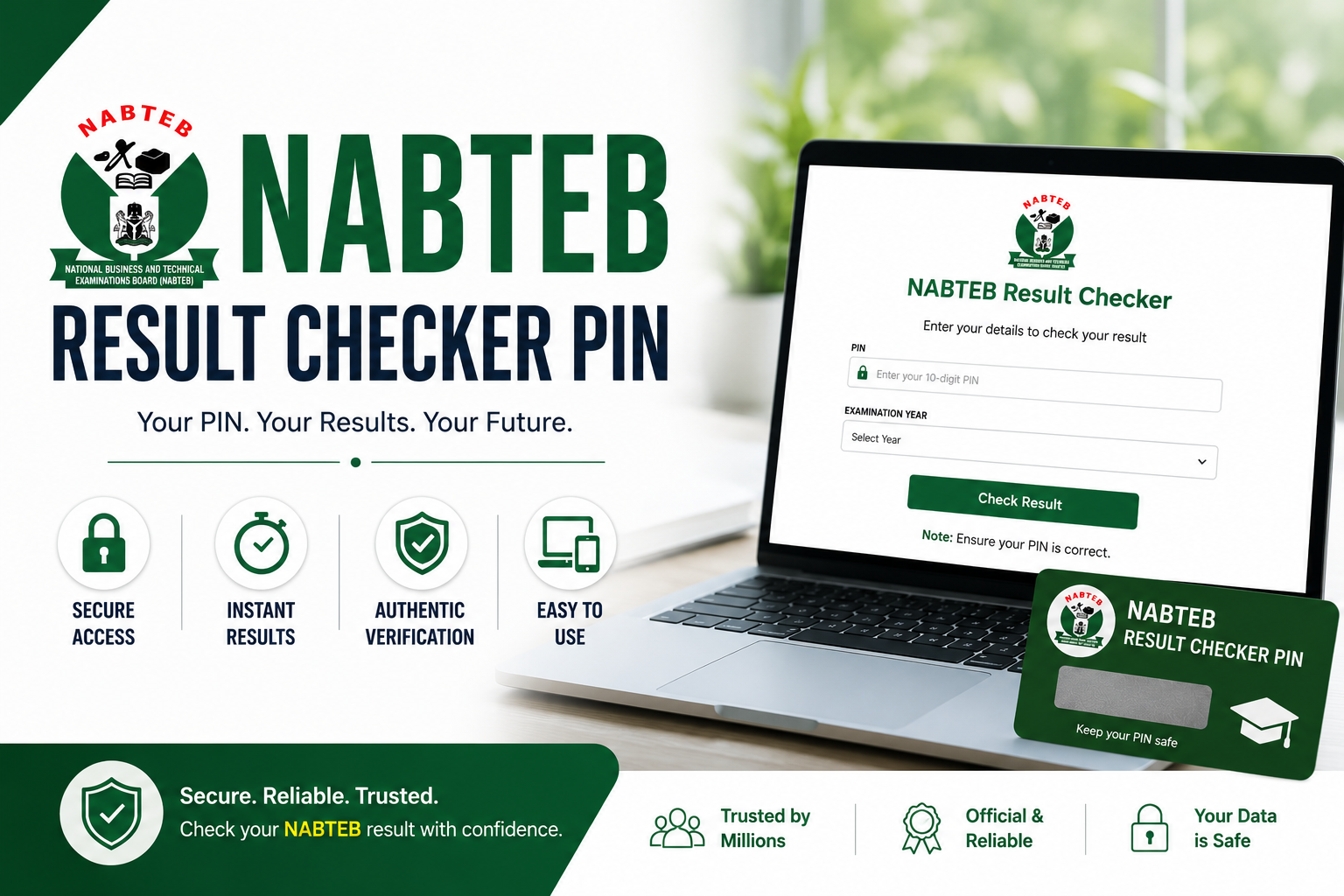
If you recently sat for the National Business and Technical Examinations Board (NABTEB) examination, the next thing on your mind is definitely your result. Checking your result online is now the fastest and easiest way to see how you performed, and to do that, you need a NABTEB result checker pin.
A lot of students are confused about what the result checker pin is, where to get it, and exactly how to use it. Some buy the wrong scratch card. Others enter their details incorrectly and end up wasting their pin. And then there are those who are not even sure if results have been released yet.
If any of that sounds familiar, you are in the right place. This guide covers everything you need to know — from what the NABTEB result checker pin is, to where to get it, how to use it step by step, and what to do when things do not go as planned. By the time you finish reading, checking your NABTEB result will be the least stressful thing you do today.
What Is NABTEB?
Before we get into the result checking process, let us quickly talk about what NABTEB is for those who may not be fully familiar with the examination body.
NABTEB stands for National Business and Technical Examinations Board. It is a Nigerian government parastatal under the Federal Ministry of Education, established to conduct examinations for students in technical, vocational, and business-related fields across Nigeria.
NABTEB was created as an alternative to WAEC and NECO, specifically designed to cater to students in technical colleges, vocational schools, and commercial secondary schools. It conducts two major national examinations every year:
- National Business Certificate (NBC): For students in business and commercial fields.
- National Technical Certificate (NTC): For students in technical and vocational fields.
Both certificates are recognized by many higher institutions in Nigeria and are accepted for admission into polytechnics, colleges of education, and in some cases, universities. NABTEB has grown significantly over the years and now serves hundreds of thousands of candidates annually across all states in Nigeria.
What Is the NABTEB Result Checker Pin?
The NABTEB result checker pin is a unique alphanumeric code that grants you access to view your examination result on the official NABTEB result portal online. Without this pin, you cannot check your result through the online platform.
Think of it as a one-time access key. Each pin is unique to one candidate and can only be used once. The moment it is used to successfully pull up a result, it becomes invalid and cannot be used again. This security measure is put in place to protect the integrity of examination results and prevent unauthorized access.
The pin typically comes in the form of a physical scratch card that you purchase from approved vendors or NABTEB offices. It can also be obtained digitally through the NABTEB online portal, depending on availability. Either way, the pin serves the same purpose — giving you access to your result.
Where to Get Your NABTEB Result Checker Pin
One of the most common questions students ask is where exactly they can get the NABTEB result checker pin. Here are all the ways you can obtain one:
1. Purchase a Physical NABTEB Scratch Card
The traditional and most widely used method is buying a physical scratch card. These cards are available at:
- NABTEB State Offices: Every state in Nigeria has a NABTEB office where you can walk in and purchase a scratch card. This is the most reliable place to buy because you are getting directly from the source.
- Accredited Schools and Examination Centers: Many NABTEB-accredited schools and exam centers sell the scratch cards to their students. Check with your school’s examination officer first.
- Approved Banks and Vendors: Some banks and approved vendors around you may also sell NABTEB scratch cards. Ask around in your area to find out who stocks them near you.
Once you purchase the card, you will find a silver-coated area on the back. Scratch it gently with a coin to reveal your unique PIN. Be careful not to scratch too hard as this can damage the numbers underneath and make them unreadable.
2. Buy the Pin Online Through the NABTEB Portal
NABTEB has made it possible for candidates to purchase their result checker pin directly online through the official portal. This is a convenient option, especially for candidates who do not live close to a NABTEB office or accredited vendor.
To purchase online, visit the official NABTEB website, navigate to the result checker section, and look for the option to purchase a pin. You will be required to make payment using a valid debit card or through other available payment methods on the platform. After successful payment, your pin will be generated and displayed on the screen or sent to your registered email address.
How to Check Your NABTEB Result Online Using the Result Checker Pin
Now that you have your pin, here is a detailed step by step guide on how to use your NABTEB result checker pin to check your result online:
Step 1: Make Sure You Have a Stable Internet Connection
This might sound obvious but it is very important. A poor or unstable internet connection can cause the page to time out in the middle of the process, and in some cases, your pin may be marked as used even if the result did not load successfully. Use a strong Wi-Fi connection or a reliable mobile data network before you begin.
Step 2: Open Your Web Browser
Open any web browser on your device — Chrome, Firefox, Safari, Edge, or any other browser you prefer. The portal works on both mobile phones and desktop computers, so you are not restricted to using a particular device.
Step 3: Visit the Official NABTEB Website
In your browser address bar, type in the official NABTEB website address: https://www.nabteb.gov.ng. Press enter and wait for the page to load. Always make sure you are on the official government website and not a third-party or fake site. There are websites out there that mimic the NABTEB portal to steal student information and pins, so be very careful.
Step 4: Go to the Result Checker Section
Once you are on the NABTEB homepage, look for the Result Checker link or button. It is usually displayed prominently on the homepage or found under a results or services dropdown menu. Click on it to be taken to the result checking page.
Step 5: Select Your Examination Type
On the result checking page, you will be asked to select the type of examination you sat for. Choose either NBC (National Business Certificate) or NTC (National Technical Certificate) depending on which examination you wrote. Selecting the wrong examination type will result in an error, so make sure you pick the correct one.
Step 6: Select the Examination Year
Next, select the year in which you sat for the examination. This should match the year printed on your examination slip or card. If you are checking a result from a previous year, make sure you select that specific year and not the current one.
Step 7: Enter Your Examination Number
Enter your NABTEB examination number in the field provided. Your examination number is printed on your examination card or entry slip that was given to you before or during the examination. Enter it exactly as it appears — do not add spaces, dashes, or any extra characters.
Step 8: Enter Your NABTEB Result Checker Pin
Now enter your result checker pin in the pin field. Take your time and type each digit carefully. Since the pin can only be used once, you want to make sure everything else on the form is correctly filled in before you submit. A mistake at this point could mean your pin gets used without you seeing your result.
Step 9: Submit and View Your Result
Once all fields are correctly filled in, click the Submit or Check Result button. The system will process your information and if everything is correct, your result will appear on the screen. You will be able to see all your subjects and the grades you scored in each one.
Do not close the page immediately. Take a screenshot or print your result right away for safe keeping.
How to Save or Print Your NABTEB Result
After your result appears on the screen, the next smart thing to do is save or print it. Here is how to do that:
- To Print: Press Ctrl + P on Windows or Command + P on Mac to open the print dialog. Select your printer and print a copy.
- To Save as PDF: In the print dialog, instead of selecting a physical printer, choose Save as PDF. This saves a digital copy of your result to your device.
- To Screenshot: On your phone, take a clear screenshot of the result page and save it to your gallery. On a computer, use the snipping tool or press Print Screen to capture the screen.
Having a saved copy is important especially if you need to present your result for school admission, job applications, or any other official purpose in the future.
What to Do If Your NABTEB Result Is Not Available
Sometimes you follow all the steps correctly but the system tells you your result is not available. Before you panic, here are some possible reasons and what you can do:
- Results Have Not Been Released Yet: NABTEB does not release all results at the same time. Your result may simply not be out yet. Visit the official NABTEB website or check their official social media handles for announcements about result release dates.
- Wrong Examination Number: Go back and confirm that you entered the correct examination number. Even one wrong digit will prevent your result from showing up.
- Wrong Examination Year or Type: Confirm that you selected the correct examination type and year. These details must match exactly what you registered for.
- Result Is Withheld: NABTEB may withhold a result if there is a suspicion of examination malpractice or other irregularities. If this is the case, you will need to visit your school or the nearest NABTEB state office to find out what is happening and how to resolve it.
- Technical Issues on the Portal: Sometimes the portal itself experiences downtime or technical issues. Try again after a few hours or the next day.
What to Do If Your NABTEB Result Checker Pin Is Not Working
If you are having trouble with your pin specifically, here are a few things to check before concluding that the pin is bad:
- Make sure you scratched the card carefully and all characters on the pin are clearly visible and readable.
- Confirm you are entering the pin in the correct field on the result portal and not in the examination number field.
- If you purchased the pin online, check your email inbox and spam folder to make sure you received the correct pin.
- Try a different browser or device to rule out browser-related issues.
- If none of the above works, contact NABTEB directly through the contact information on their official website or visit the nearest NABTEB state office with your purchase receipt for assistance.
Is the NABTEB Certificate Accepted for University Admission in Nigeria?
This is a very common question among NABTEB candidates and their parents. The short answer is yes — NABTEB results are accepted by many higher institutions in Nigeria. However, there are some important points to keep in mind.
NABTEB results are widely accepted by polytechnics and colleges of education in Nigeria. Many universities also accept NABTEB results, particularly for courses in technical, vocational, and business-related fields. However, not all universities treat NABTEB results the same way they treat WAEC or NECO results.
Before making any admission decisions based on your NABTEB result, always confirm directly with the institution you are applying to whether they accept NABTEB for the specific course you want to study. This will save you from unnecessary surprises during the admission screening process.
Frequently Asked Questions About NABTEB Result Checker Pin
Can I use one pin to check multiple results?
No. Each NABTEB result checker pin is unique and can only be used once. Once it has been used to access a result, it becomes invalid. You will need a new pin if you want to check another result or recheck the same result after closing the page.
How much does the NABTEB result checker pin cost?
The price of the NABTEB result checker pin is set by NABTEB and may change from time to time. Visit the official NABTEB website or your nearest NABTEB state office for the current price.
Can I check my NABTEB result on my phone?
Yes, absolutely. The NABTEB result portal is accessible on mobile phones. Simply open your mobile browser, visit the official NABTEB website, and follow the same steps outlined in this guide.
What if I lost my examination number?
If you have lost your examination number, visit your school’s examination officer or the nearest NABTEB state office. They should be able to help you retrieve it using your personal details.
Final Thoughts
Checking your result does not have to be a stressful experience. With the right NABTEB result checker pin and the correct steps, you can have your result in front of you within minutes. The key things to remember are to always use the official NABTEB website, enter your details carefully, and save your result as soon as it appears on your screen.
If you run into any issues along the way, go through the troubleshooting tips in this article and if the problem persists, reach out to NABTEB directly. They are there to help.
Did this guide help you? Share it with your fellow NABTEB candidates who might need it. And if you have any questions or experiences to share, drop them in the comment section below — we would love to hear from you.