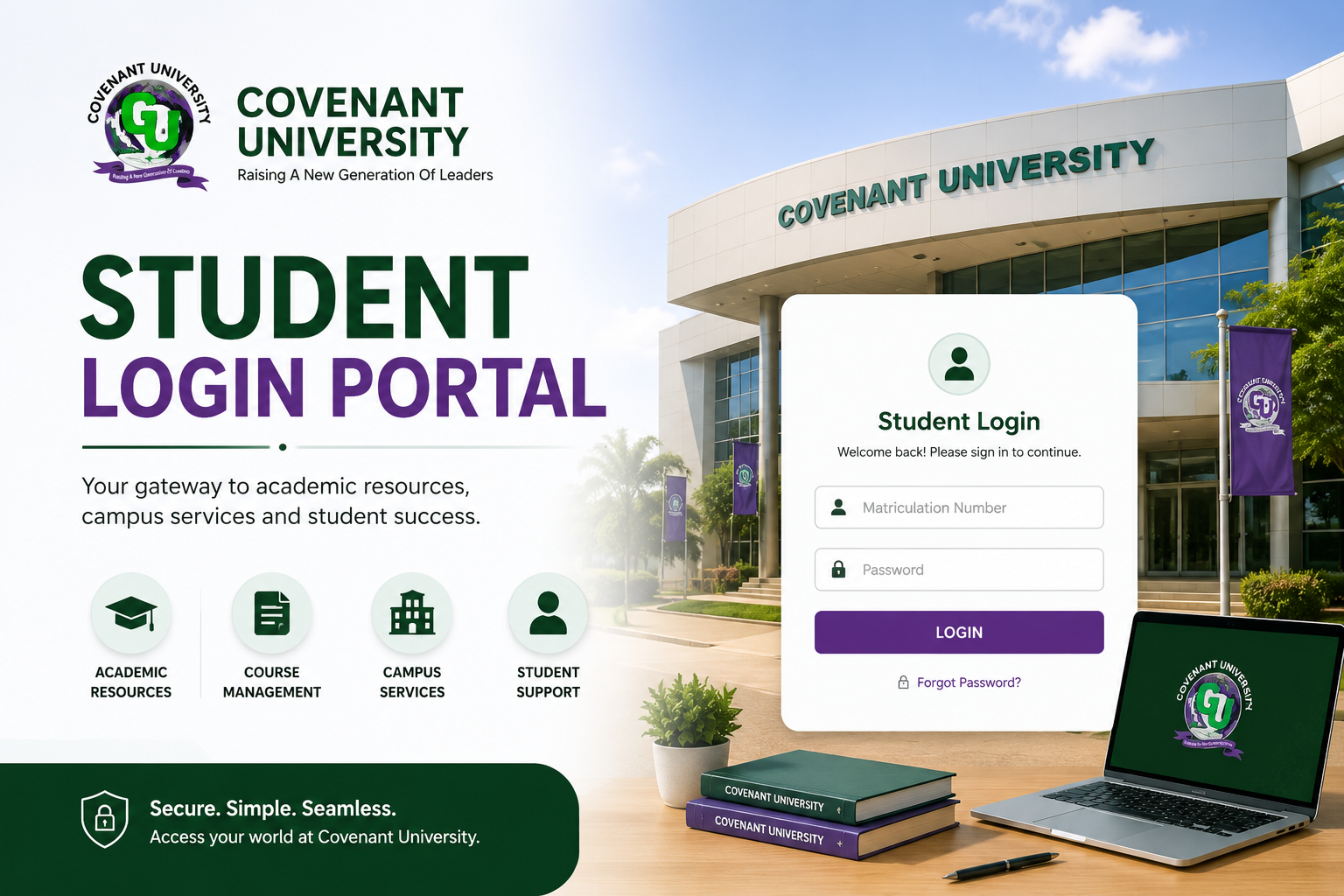
The problem is that a lot of students, especially fresh students, struggle with logging in for the first time. Some forget their passwords. Others are not even sure of the correct website to visit. And during busy periods like course registration, the portal can feel overwhelming.
This guide is here to fix all of that. By the time you finish reading, you will know exactly how to handle your Covenant University student portal login without stress, what to do when things go wrong, and how to get the best out of the portal every semester.
What Is the Covenant University Student Portal?
The Covenant University student portal is the official online platform created for current students of Covenant University, Ota, Ogun State. It serves as a central hub where students can manage almost every aspect of their academic life digitally, without having to walk from office to office on campus.
Think of it as your personal academic dashboard. Everything from your course registration to your results, your fee payment status, your hostel details, and even your timetable — all of it lives on the portal. Once you are enrolled as a student, accessing the portal becomes part of your everyday university routine.
The portal is managed by the university’s ICT department and is updated regularly to reflect changes in your academic records. This is why it is important to check it regularly and not just during exam periods.
What Can You Do on the Covenant University Student Portal?
Before jumping into the login steps, it is worth knowing what the portal actually offers. A lot of students only use it to check results, but there is a lot more you can do on there. Here is a breakdown of the main features available to current students:
- Course Registration: Every semester, you are required to register your courses through the portal. This is one of the most important things to do at the start of each semester, and missing it can affect your academic standing.
- Result Checking: Once your semester results are uploaded, you can view them on the portal. You can also track your Cumulative Grade Point Average (CGPA) from here.
- School Fees Details: You can check your fees breakdown, see how much you owe, and confirm whether your payment has been captured in the system.
- Timetable Access: Your lecture and examination timetable is available on the portal so you always know where you need to be and when.
- Personal Information: You can view and in some cases update your personal details such as your contact information and next of kin details.
- Hostel Allocation: Information about your hostel room and accommodation can be accessed through the portal.
- Academic Calendar: Stay informed about important academic dates, deadlines, and university events.
As you can see, the portal touches almost every part of your student life. Knowing how to use it properly puts you in control of your academics.
Covenant University Student Portal Login – Step by Step Guide
Now let’s get into the main thing. Here is a clear, step by step guide on how to log in to the Covenant University student portal without any confusion.
Step 1: Get a Stable Internet Connection
Before you even open your browser, make sure your internet connection is stable. A weak or intermittent connection can cause the portal to load slowly or not load at all. Whether you are using mobile data or Wi-Fi, ensure the connection is strong enough to handle the portal.
Step 2: Open Your Web Browser
Open any web browser on your device. This could be Google Chrome, Mozilla Firefox, Microsoft Edge, Safari, or any browser you normally use. The portal works on both mobile and desktop browsers, so you are not limited to using a laptop.
Step 3: Visit the Official Covenant University Student Portal URL
In your browser’s address bar, carefully type in the official portal address: https://studentportal.covenantuniversity.edu.ng. Always make sure you are on the correct website. There are fake login pages online that are designed to steal your login details, so never click on random links claiming to be the portal. Always type the address yourself or use a trusted bookmark.
Step 4: Enter Your Matriculation Number
Once the portal login page loads, you will see a field asking for your username. Enter your Matriculation Number here. Your matric number was assigned to you during your admission and registration process. It typically follows a format based on your year of entry, for example something like 19CK012345. Make sure you type it correctly, without any extra spaces.
Step 5: Enter Your Password
Next, enter your password. If you are logging in for the very first time, the default password is usually your date of birth in the format DDMMYYYY. For example, if you were born on the 15th of March 2002, your default password would be 15032002. If you have previously logged in and changed your password, use your updated password instead.
Step 6: Click the Login Button
After filling in your matric number and password, click the Login button. If everything is correct, you will be redirected to your student dashboard where you can access all the features available to you.
Step 7: Change Your Default Password (First-Time Users)
If you are logging in for the first time, it is strongly recommended that you change your password immediately after logging in. Do not continue using your date of birth as a password because it is easy to guess. Go to the account settings or profile section of the portal and set a new, strong password that only you know.
What to Do If You Forgot Your Covenant University Portal Password
Forgetting your password is one of the most common issues students face, and it is nothing to worry about. Here is what you should do to recover access to your account:
- On the login page, look for the “Forgot Password” option and click on it.
- You will be asked to enter your registered student email address or your matric number.
- Check your student email inbox for a password reset link. Make sure to also check your spam or junk folder in case the email lands there.
- Click the reset link and follow the instructions to create a new password.
- Return to the login page and sign in with your new password.
If the forgot password option does not work or you do not receive the reset email after several minutes, your best move is to visit the ICT department on campus in person. Bring your student ID card along so they can verify your identity and help you regain access quickly.
Common Covenant University Student Portal Login Problems and How to Fix Them
Even when you do everything right, you might still run into some issues with the portal. Here are the most common problems students encounter and exactly what to do about each one:
Incorrect Username or Password Error
This is the most common issue. If you see an error saying your username or password is wrong, first check that your caps lock is not on. Also make sure there are no extra spaces before or after your matric number or password. Try entering the details slowly and carefully before clicking login again.
Portal Is Not Loading or Loading Very Slowly
This usually happens at the beginning of the semester when thousands of students are trying to register their courses at the same time. The server gets overloaded and the portal slows down. The best solution here is to try again during off-peak hours, like early in the morning or late at night when fewer students are online. You can also try clearing your browser cache or switching to a different browser.
Account Has Been Locked
If you enter the wrong password multiple times in a row, the system may lock your account as a security measure. If this happens, wait for about 30 minutes before trying again. If the account remains locked, contact the ICT department to have it unlocked manually.
Page Not Found or Error 404
This could mean you typed the URL incorrectly or the portal is temporarily down for maintenance. Double check the URL and try again after a few minutes. If the issue continues, check the university’s official social media pages for any announcements about portal downtime.
Results or Courses Not Showing
Sometimes students log in successfully but cannot see their results or registered courses. This could be because your registration is not fully completed or there is a hold on your account, possibly due to unpaid fees. Visit your departmental office or the bursary department to sort out any pending issues.
How to Access the Covenant University Portal on Your Phone
You do not need a laptop or desktop computer to use the student portal. The portal is mobile-friendly and works well on smartphones. Here is how to access it on your phone:
Open your phone’s browser, type in the portal URL, and follow the same login steps described above. Once you are in, you can navigate through the menu just like you would on a computer. The display adjusts to fit your screen size so it should be easy to read and use.
A useful tip is to save the portal URL as a bookmark on your mobile browser. This way, you can access it with just one tap instead of typing the full address every time.
Tips to Keep Your Portal Account Secure
Your student portal contains sensitive academic and personal information. Protecting your account should be a priority. Here are some simple but effective tips to keep your account safe:
- Never share your password with anyone, not even your closest friends or roommates.
- Always log out of the portal after each session, especially if you are using a shared or public device.
- Use a strong password that combines uppercase letters, lowercase letters, and numbers.
- Avoid logging into the portal on public Wi-Fi networks. If you must, use a VPN for added security.
- Do not save your password on browsers that other people have access to.
- If you suspect someone else has accessed your account, change your password immediately and report it to the ICT department.
Final Thoughts
The Covenant University student portal login process is not complicated once you understand how it works. All you really need is your correct matric number, your password, and a decent internet connection. From there, you have access to everything you need to manage your academics smoothly throughout your time at the university.
Whether you are a 100 level student logging in for the first time or a returning student who just forgot their password, this guide has everything you need to get back on track. And if you ever hit a wall, the ICT department is always available to help you sort things out.
If this article helped you, share it with your coursemates or anyone who might be struggling with the portal. And if you have any questions or there is something specific about the portal you want to know more about, drop a comment below — we are always happy to help.